summary dictionary. A run’s summary dictionary can handle numpy arrays, PyTorch tensors, or TensorFlow tensors. When a value is one of these types, W&B persists the entire tensor in a binary file and stores high-level metrics in the summary object, such as min, mean, variance, and percentiles.
The last value logged with wandb.Run.log() is automatically set as the summary dictionary in a W&B run. If you modify a summary metric dictionary, you lose the previous value.
The following code snippet demonstrates how to provide a custom summary metric to W&B:
Customize summary metrics
Custom summary metrics are useful for capturing model performance at the best step of training in yourrun.summary. For example, you might want to capture the maximum accuracy or the minimum loss value, instead of the final value.
By default, the summary uses the final value from history. To customize summary metrics, pass the summary argument in define_metric. It accepts the following values:
"min""max""mean""best""last""none"
"best" only when you also set the optional objective argument to "minimize" or "maximize".
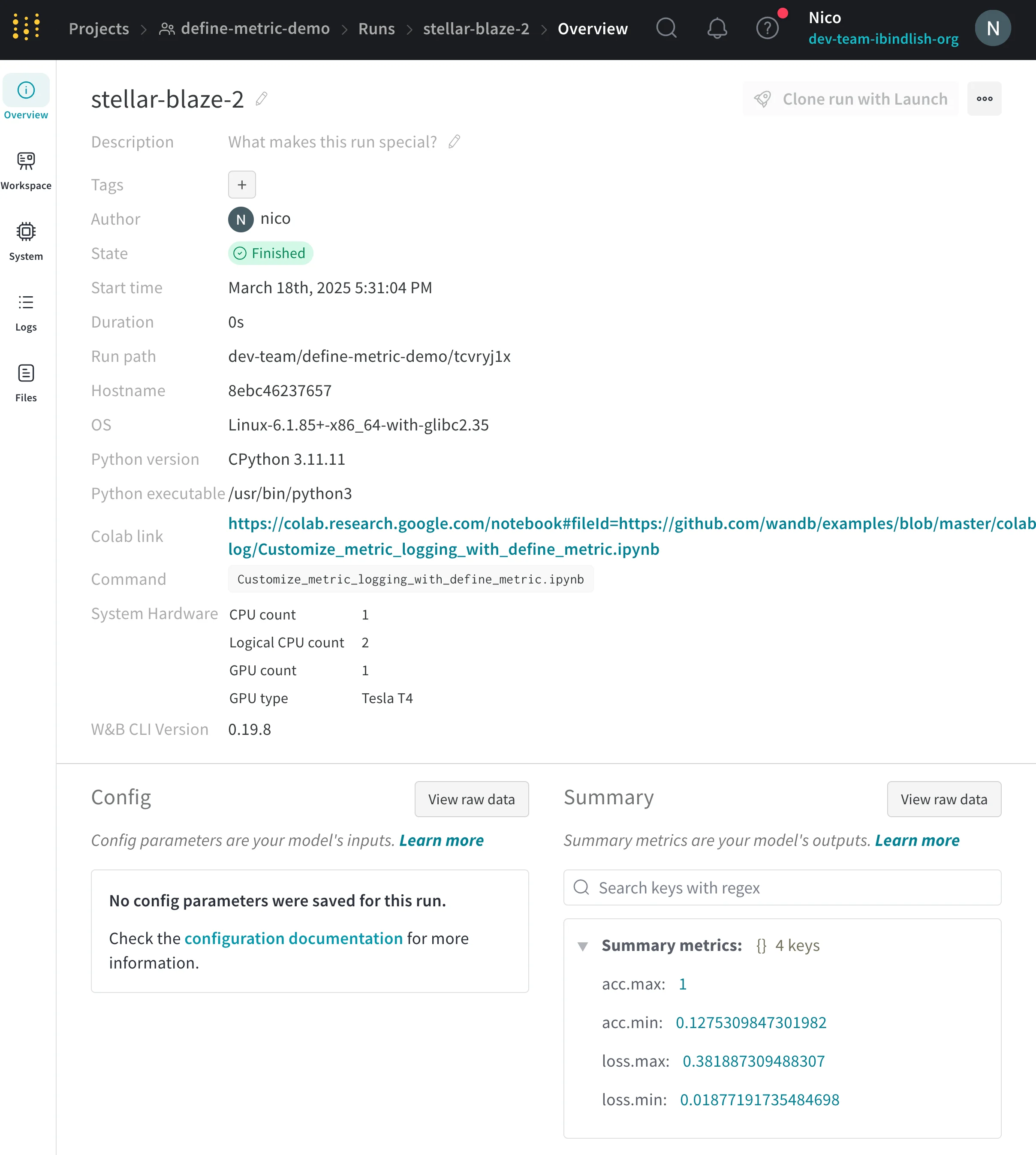
The following example adds the min and max values of loss and accuracy to the summary:
View summary metrics
After you log summary values, you can view them on a run’s Overview page or in the project’s runs table. The following tabs describe each option.- Run Overview
- Run Table
- W&B Public API
- Navigate to the W&B App.
- Select the Workspace tab from the project sidebar.
- Click the run that logged the summary values. The run page opens with the Overview tab shown by default.
- View the summary values in the Summary section.